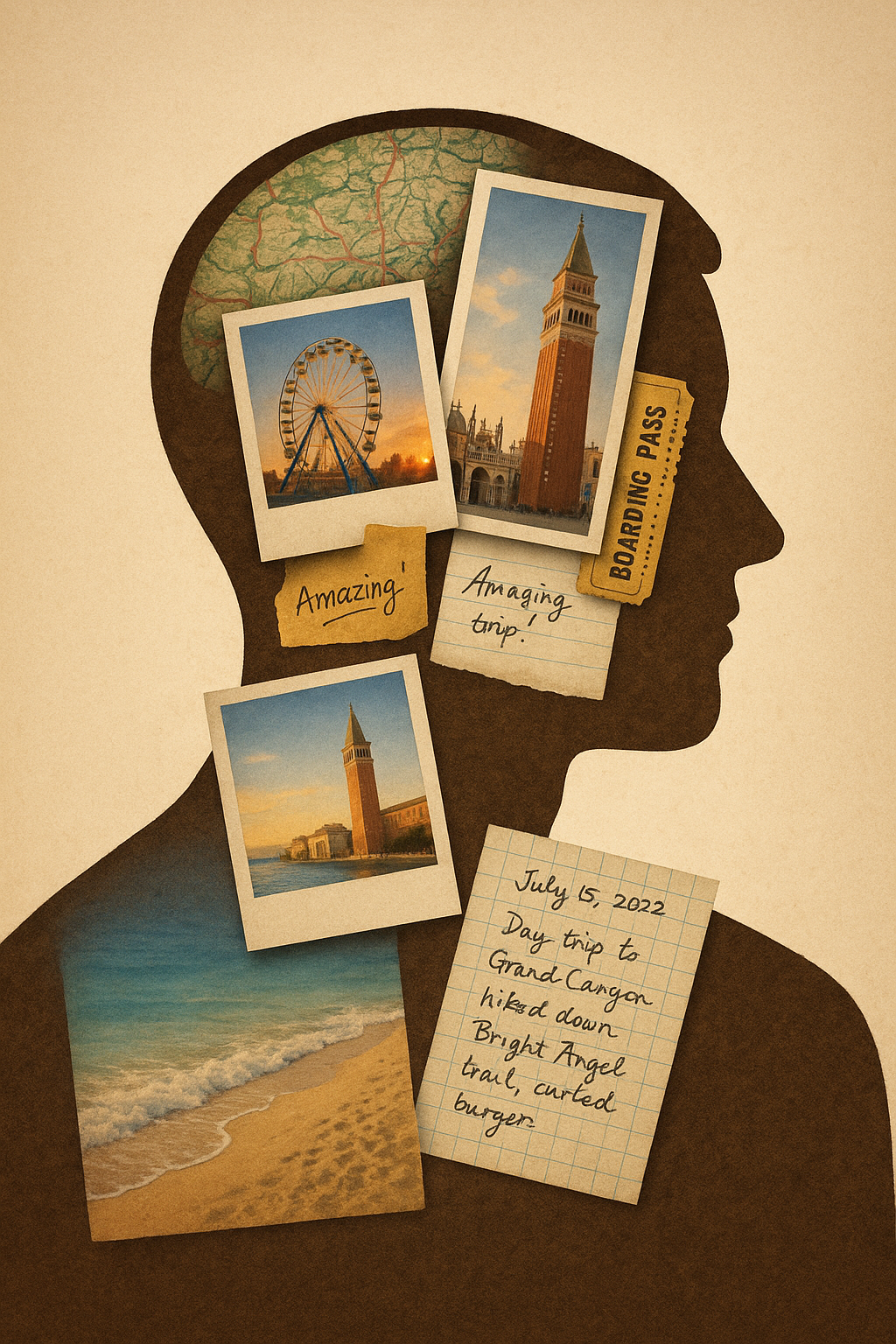
In today’s digital world, your online identity is more vulnerable than ever. With cyber threats on the rise and hackers becoming more sophisticated, simply using strong passwords is no longer enough. That’s where passphrases and password managers come into play. When used effectively together, they offer one of the most robust defenses against cyber intrusions. In this blog post, we’ll delve into what passphrases are, how to generate them based on your unique life experiences, and how to pair them with password managers to maximize your online security.
What Are Passphrases?
Passphrases are a series of random or semi-random words or sentences that are significantly longer than traditional passwords. Instead of using a complex mix of symbols and letters like “P@ssw0rd!”, a passphrase might be something like “PurpleTigerJumpsOverLazyDog2023!”. It’s long, memorable, and much harder to crack with brute force or dictionary attacks.
Because of their length and uniqueness, passphrases can be incredibly secure while still being easier to remember than a string of random characters.
Why Passphrases Are Better Than Traditional Passwords
- Length Equals Strength: The longer the password, the harder it is to crack. Passphrases often exceed 20 characters.
- Memorability: It’s easier to remember a phrase that tells a story or has personal meaning than a random set of characters.
- Resilience Against Attacks: Dictionary attacks and brute force methods become significantly less effective.
Creating a Unique Passphrase from Your Life Experience
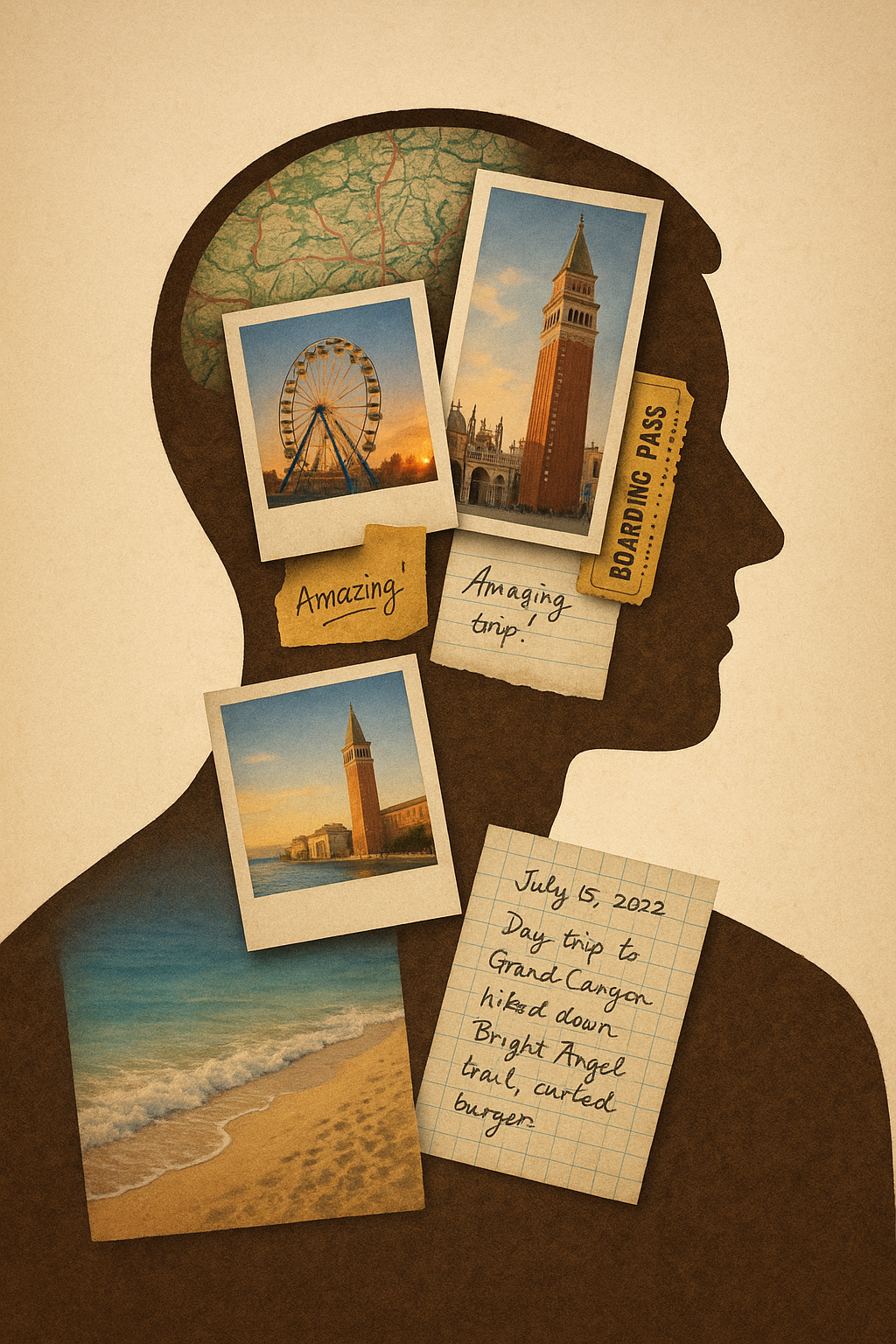
The most powerful passphrases are those that no one else could guess because they’re based on your personal experiences. Here’s how to create one:
Step 1: Choose a Unique Memory That’s Emotionally Vivid
Let’s say:
- In 2017, you traveled to Lisbon, Portugal.
- You fell in love with the tram rides and had a deep conversation with a street artist named Nuno.
- You ate the best pastel de nata in your life at Rua Augusta.
None of this is public or something you’d post on social media. It’s uniquely yours.
Step 2: Turn It into a Sentence
Convert the Memory into a Passphrase
Now, let’s turn that memory into a memorable but complex sentence:
“NunoToldMeLifeIsArtOnTram28Lisbon2025!”
Or enhance it a bit for complexity:
“Tram28InLisbonWithNuno@RuaAugusta2025!”
Step 3: Add Subtle Personal Obfuscation
Let’s add a few modifications that you will remember:
- Replace some letters with numbers or symbols.
- Use abbreviations for streets or emotions.
Example:
“Tr@m28+Nuno=Life@R.Aug2025!”
Still memorable to you. Not in any password leak database. Impossible to guess.
Why This Is Hard to Hack
- It’s not reused on any public service.
- It’s not based on your name, birthday, or pet — which are common in breaches.
- It’s not generatable by AI from your digital footprint.
- Even if your email is in a password leak, this password is too unique and complex to be guessed.
What Are Password Managers?
Password managers are software applications that store and manage your passwords in an encrypted database. Examples include LastPass, 1Password, Bitwarden, and Dashlane.
Key Benefits:
- Secure Storage: All your passwords are stored securely.
- Auto-fill: Login forms are automatically filled.
- Password Generation: Many tools can create strong, unique passwords for each account.
- Synchronization: Access your credentials from multiple devices.
Combining Passphrases with Password Managers
So, how do passphrases and password managers work together?
- Master Password = Your Unique Passphrase
Use your custom-made, life-experience-based passphrase as the master password for your password manager. This is the only password you’ll need to remember. - Let the Manager Handle the Rest
Use the password manager to generate and store unique, complex passwords for all your other accounts. These can be 30-character long random strings since you won’t have to remember them. - Two-Factor Authentication (2FA)
Wherever possible, enable 2FA for an added layer of security. - Regular Updates
Update your master passphrase every 6-12 months using a new unique life event.
Example of a Secure Setup
Let’s say your unique life experience was a trip to Kyoto where you learned to make sushi with a chef named Hiro. Your passphrase might be:
“Sush1WithChefH1ro1nKyoto2019!”
This becomes your master password.
Your password manager now holds:
- Facebook: kU#9s!7DfPoaLSzqpW3vxT
- Gmail: `99Lfd$#pMzX6@lqp1*
- Amazon: 1@Xf7Up1qz3Vm!9s
And you never have to memorize these.
Best Practices
- Never reuse passwords
- Don’t store passwords in your browser
- Always enable 2FA where possible
- Avoid using real names or birthdays unless heavily obfuscated
- Keep your password manager updated
- Use a trusted, open-source password manager if possible
Final Thoughts
Security is about layers. A unique, memorable passphrase based on your personal life experiences adds a strong foundational layer. When combined with a reliable password manager and two-factor authentication, you create a security posture that is exponentially more resilient to cyberattacks.
In the end, the smartest move you can make is to let your most memorable moments become the secret keys to your digital life. Start today. Think of a memory no one else could know—and use it to protect everything you value online.
Leave a Reply